Google is testing a new way to verify a Business Profile, and it wants a photo of your storefront. If you run a plumbing, HVAC, roofing, or electrical company out of a shop and a fleet of trucks, that’s not a problem you can fix with a better camera angle.
Here’s what the option actually asks for, why it doesn’t fit a service area business, and what to do instead.
The short version
Photo verification showed up in Google Business Profile accounts around September 4, 2026, and Search Engine Roundtable reported it the same day. Google hasn’t documented it or confirmed it, yet. The help center still lists five methods, and photo isn’t one of them: phone or text, email, a recorded video, a live video call, and a postcard.
Don’t read too much into that list, though. Postcards all but vanished in practice a couple of years ago, and phone or email rarely show up for a new home service profile. For most contractors in 2026, the real menu has been video and nothing else. Photo is the first new option to land in a long time, which is why it got attention.
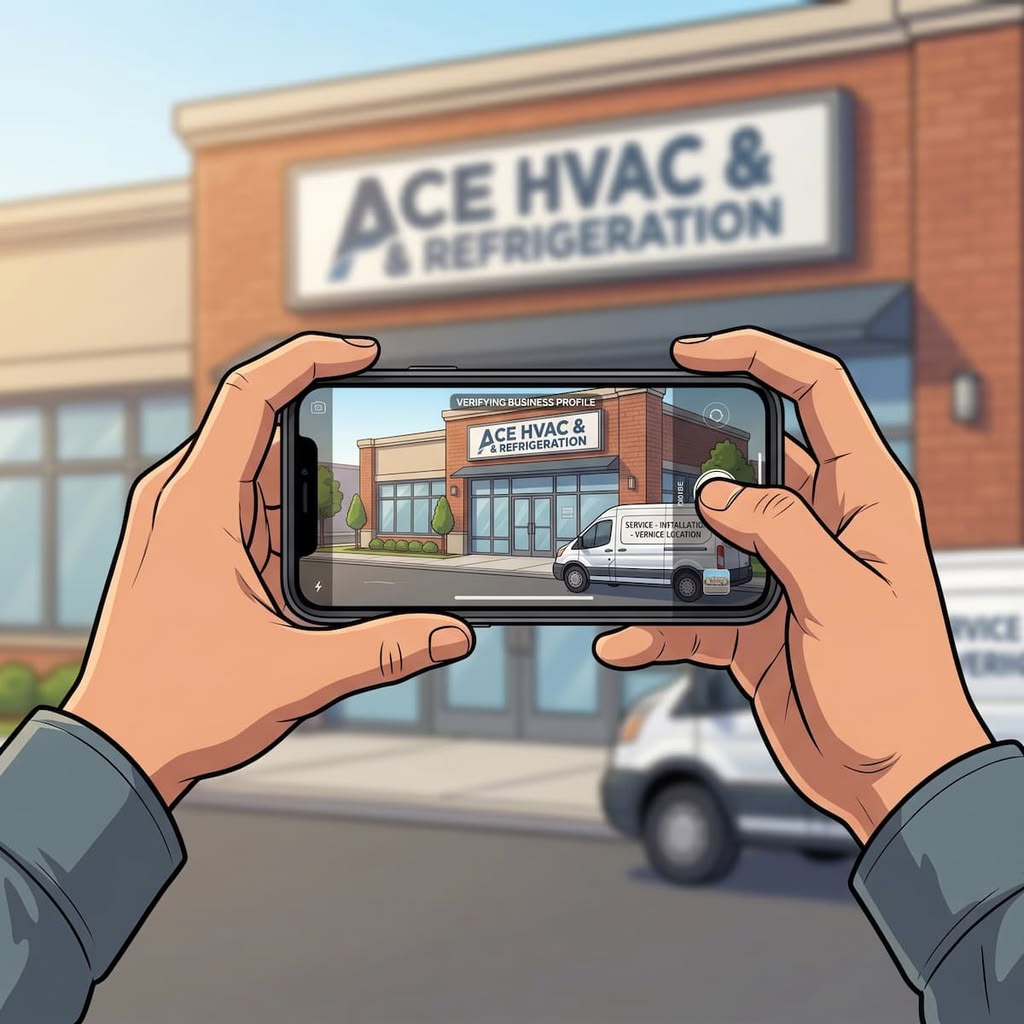
The requirements circulating so far are storefront requirements. Your business name printed on a permanent fixture like a signboard. Your entire storefront captured in a single frame. In our own attempts, location services had to be on as well.
So here’s the answer for most contractors: stay on video verification.
Photo verification isn’t worse. You can’t satisfy what it’s asking for. A service area business doesn’t have a storefront to photograph. Google’s own video verification rules already account for that. The photo option, as it stands, doesn’t.
Read it for what it is: a retail and storefront method. A shop with your name over the door and customers walking through it during posted hours. If that’s you, it might save you some time. If you run a service area business, which describes most home service contractors, skip it and stay on video.
What we found when we tried it
We’ve run a handful of attempts. Not enough to call it a pattern, but enough to notice two things: photo date and GPS meta data.
First, Google wants a live capture, not an upload. You can’t pull a nice exterior shot off your phone roll or grab the one your marketing company took in 2023. The flow expects you to be standing there, taking the photo, right now.
Second, location services have to be on. Turn GPS off and the flow stalls. That’s consistent with how video verification behaves, so it isn’t a surprise, but it does tell you what Google is checking. It isn’t grading your photography. It’s matching where your phone says you are against where your profile says you are.
Success rate so far has been poor. Small sample, so take that for what it’s worth.
Why your setup fails it
Here’s the part that matters, and it’s sitting in Google’s own documentation.
Google’s video verification help page runs two separate requirement tracks. One for storefront and hybrid businesses. One for service area businesses. They’re not variations on a theme. They ask for different evidence entirely.
The storefront track wants your signage, your business name on a permanent fixture, your showroom. The service area track wants something else: street signs and landmarks near your address, the tools and equipment you actually work with, a branded van you can unlock, a permit or an invoice with your business name on it. Google’s documentation names plumbers directly as the example.
There’s even a line in there for guys running the business out of the house. Google says you can record landmarks and signs in your immediate neighbourhood to confirm the address.
Photo verification has no equivalent track. One frame. One storefront. No allowance for a van, a permit, a shop door without customer-facing signage, or a residential address you’re required to keep hidden anyway.
Going by what it asks for, here’s the split.
Fits: retail stores, restaurants, showrooms, clinics, dealerships. Any business with permanent signage and customers walking in during posted hours. A home service company that runs a real staffed showroom or parts counter is a hybrid business and lands here too.
Doesn’t fit: plumbers, HVAC companies, electricians, roofers, and any trade operating as a service area business. Crews working out of a bay or yard with no customer-facing signage. Anyone running from home.
If you’re categorized correctly as a service area business, this option wasn’t built with you in mind. Don’t force it.
The trap worth naming
Some owner is going to read the requirements, look at his shop, and think: I’ll get a sign made, take the photo, get verified faster.
Don’t.
Google’s guidelines for representing your business are direct about this. Businesses showing an address are expected to maintain permanent fixed signage at that address. And the service area guidance says a business without permanent on-site signage is “not eligible as a storefront and should be listed as a service-area business.”
Read that the other way around and the risk gets obvious. Signage alone doesn’t make you a storefront. Serving customers at that address does. If you flip your categorization to storefront so you can pass a photo check, but nobody walks into your building to buy anything, you’ve misrepresented your business model to Google. That’s a suspension waiting to happen, and reinstatement is an appeal process with no published timeline. Not a gamble you take heading into a busy season.
Worse, if you’re running from home and you un-hide the address to make this work, you’ve broken a rule Google states explicitly for plumbers running out of a residence.
This matters more than it used to because Google now asks the question up front. Since earlier this year, the verification flow opens with what best describes your business: a physical location customers visit, a physical location plus travel to customers (Google’s example is a plumber), or travel-only with no staffed location. Your answer sets the bar everything after it has to clear. Search Engine Roundtable flagged in February that getting it wrong can have consequences for the listing later. A storefront photo submitted by a business that just told Google it travels to customers is the kind of mismatch that flow exists to catch.
The shortcut costs more than the wait.
Stick with video, and pass it the first time
Video verification isn’t the consolation prize. Google recommends it when you’re eligible, and it’s the only method with a documented path for how your business actually operates.
Google’s own list of rejection reasons is all missing evidence: business name not visible, no nearby area shown, no proof of authorization. Nothing about camera quality. Before you hit record, have these ready:
- Location proof. Street signs, building numbers, or recognizable landmarks near your address. Don’t film an empty lot or a blank stretch of road.
- Proof the business exists. Your equipment. The van with your wrap on it. Your workspace, your tools, branded shirts.
- Proof you run it. Unlock the van. Open the shop. Show a permit, an invoice, or a utility bill with the business name matching your profile exactly.
- One continuous take, at least 30 seconds, recorded live from your phone inside your Business Profile. No edits, no pre-recorded footage, nobody else’s face in frame.
The name match is where we see owners trip. If your profile says “Miller Plumbing & Heating Ltd.” and the invoice says “Miller Plumbing,” fix one of them before you record.
Google takes up to five business days to review. If it comes back rejected, you’ll get the specific reason, and you can re-record.
Will this even last?
Fair question, and worth thinking about before you build any process around it.
A single photo is thinner proof than a continuous unedited video. Video is hard to fake convincingly because it’s long, live, and full of things that have to agree with each other. A still image carries far less of that. Fewer moving parts means fewer things Google can cross-check, and fewer things a bad actor has to get right.
Google knows this too. Which is probably why the option appeared quietly, without documentation, in what looks like a limited test.
Our read: this either gets tightened or it gets pulled. Maybe it survives for storefront categories where the risk is low. We could be wrong. But we wouldn’t rebuild a verification process around a feature Google hasn’t acknowledged in writing.
Local search already rewards operators who set up the boring things correctly. Categorization. Address handling. Service area settings. NAP consistency across the web. None of that changes because a new button showed up in a verification flow.
What to do this week
If your profile is verified and nobody’s asked you to re-verify, do nothing. This doesn’t affect you.
Verifying a new profile, or working through a re-verification request? Check which options Google is showing you. Google picks the methods, you don’t. If photo verification appears and you’re a genuine storefront with signage, try it. It’s fast. If you’re a service area business, go straight to video and use the checklist above.
And if you’re not sure which category you belong in, sort that out before you touch verification. Getting it wrong is how profiles disappear.
We handle Google Business Profile verification and reinstatement for home service companies across North America, and we sort out categorization problems before they turn into suspensions. We’ve cleaned up plenty of profiles that a well-meaning shortcut broke. If Maps is where your phone calls come from, book a strategy call and we’ll tell you straight where you stand.
FAQs
Who is Google’s photo verification for?
Retail and storefront businesses. The requirements call for permanent signage and the whole storefront in one frame, which describes a shop, a restaurant, or a showroom, not a contractor working out of trucks. Home service businesses without a walk-in location are better served by video verification, which has a documented path for service area businesses.
Is photo verification faster than video verification?
Probably, since you’re submitting one image instead of a 30-second recording. But speed only helps if the method fits your business. A fast rejection isn’t faster than a video that passes.
Can a service area business use photo verification?
Not based on what the option currently asks for. The requirements point at a storefront with permanent signage captured in one frame, and Google hasn’t published a service area equivalent the way it has for video. A plumber, HVAC company, electrician, or roofer without a walk-in location should skip it and use video.
Do I need location services turned on?
Yes. In our attempts, the flow wouldn’t proceed with GPS disabled. Google appears to be matching your device location against the address on your profile.
Can I upload a photo I already have?
No. Google wants a live capture from your phone at the location. Older exterior shots, marketing photos, and images from your media library won’t work.
What if I put up a sign so I qualify?
Signage alone doesn’t make you a storefront. Google’s definition needs in-person customers at that address during business hours plus permanent signage. Meeting one half of it and flipping your categorization to match a verification method you’d rather use is a common route to suspension.
Can I still verify by postcard?
Google still lists it in the help center, but hardly anyone gets offered it anymore. Video has been the default for new profiles and re-verifications for a couple of years, especially for service area businesses. Plan on video.
Is Google keeping this feature?
Unknown. It arrived without documentation or an announcement, which usually signals a test. Until Google confirms it in the help center, treat it as something that might disappear.